
01
Unattended access
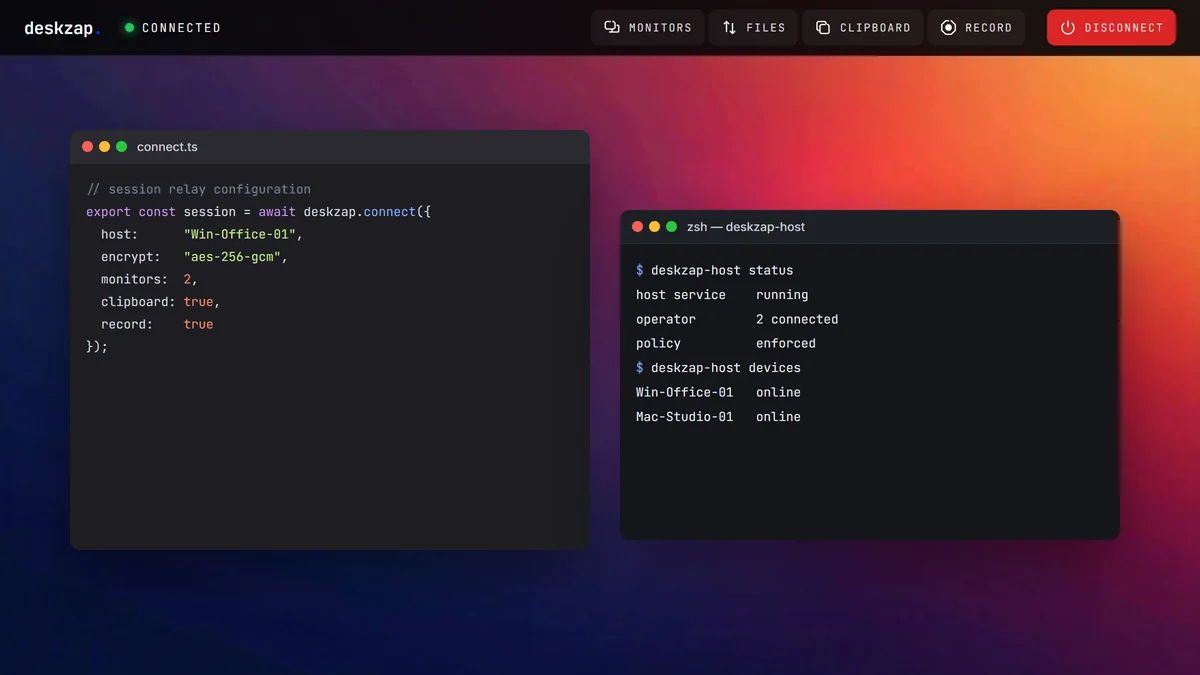
Reach an office PC, Mac or server when nobody is sitting at it. Install DeskZap Host once; the person who uses that desk does not need a DeskZap account.
Connect to an office PC, Mac or server from anywhere, as if you were sitting in front of it.
From £5 per user / month, 7-day free trial — card required at signup, not charged until the trial ends.
Reach the machine, move files and print, then decide who on the team can do which of those things.
Reach an office PC, Mac or server when nobody is sitting at it. Install DeskZap Host once; the person who uses that desk does not need a DeskZap account.
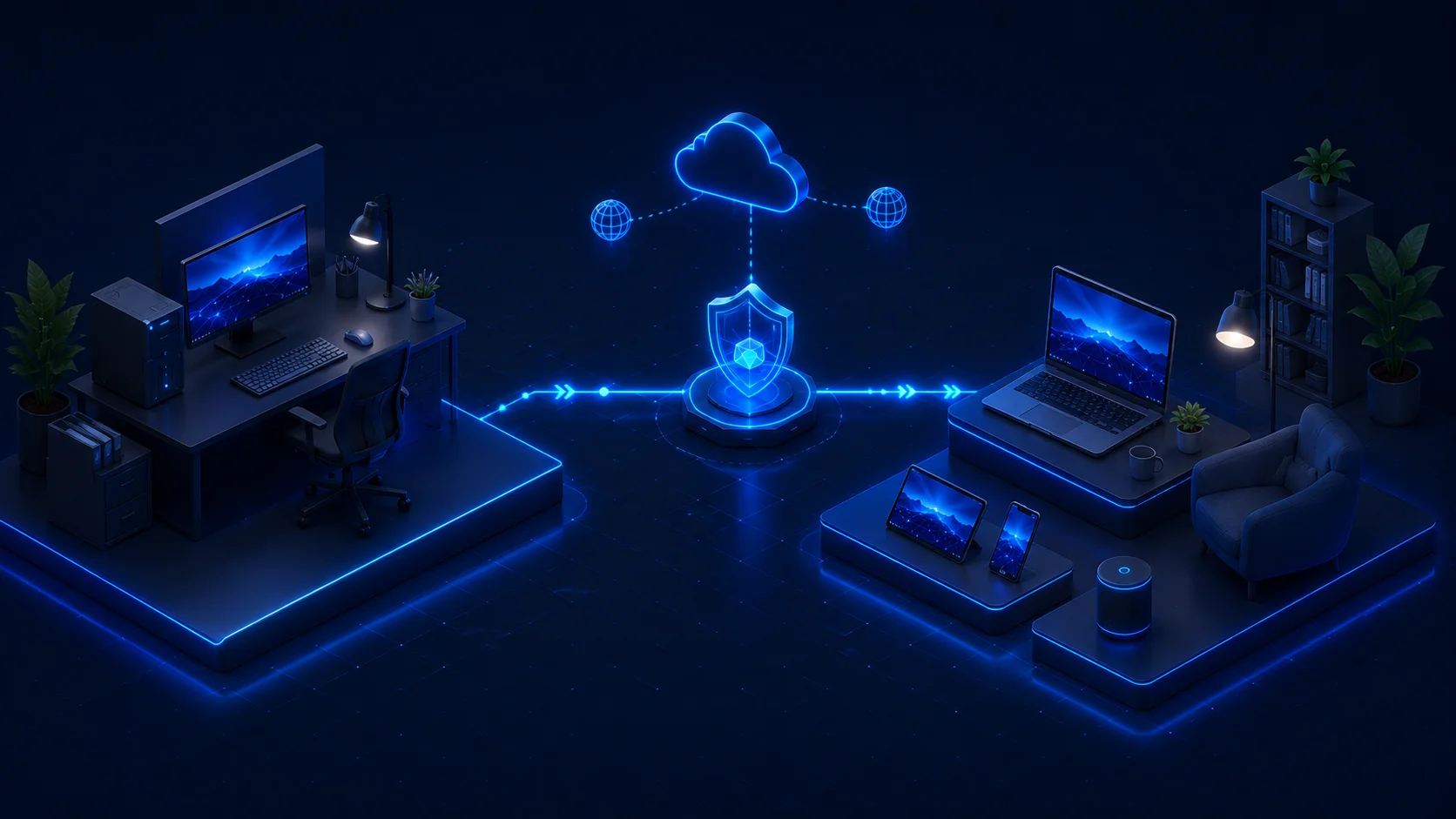
Move files both ways during a session, including folders. Print from the remote computer to a printer on your side, without emailing the document to yourself.
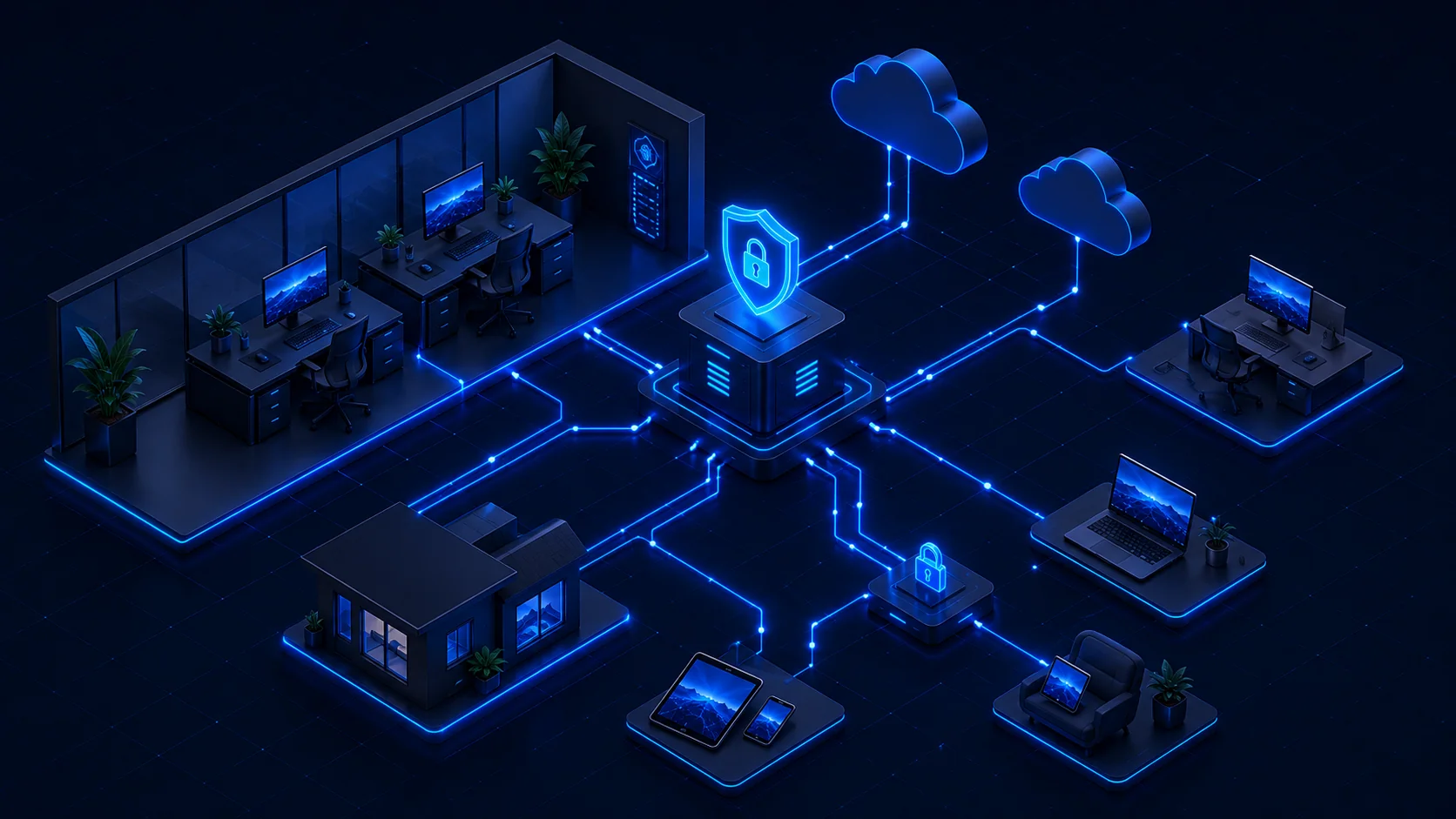
Invite technicians by email, group devices, and decide who can reach what. Business and Advanced add roles and device groups so a contractor only sees the machines they were scoped to.
Put DeskZap Host on the computer and enrol it in your workspace.
Open the console and choose the machine you need.
Start a session from DeskZap Connect or a browser.
A longer walkthrough sits in the five-minute remote desktop guide.
Each competitor price is the figure on that vendor's public pricing page on 20 October 2026.
| Criterion | DeskZap Access | Splashtop | TeamViewer | AnyDesk |
|---|---|---|---|---|
| Published price | From £5 per user / month, monthly or annual, in GBP. | From $6 per user / month, billed annually (USD).Checked 20 October 2026 | £35.90 / month excl. VAT (Business).Checked 20 October 2026 | From €28.90 / month, billed annually (Solo list price).Checked 20 October 2026 |
| Free trial | 7 days, on a live workspace. | Yes — free trial on the public pricing page. | Yes — trial offered on the public pricing pages. | Yes — business trial on the public pricing page. |
| Self-hosting | Yes, on Advanced: the control plane on infrastructure you run. | On-Prem is a separate product, not Remote Access Solo or Pro. | Not on Business. Tensor is an enterprise quote. | On-Premises on Ultimate, which is quote-only. |
| UK data residency | Self-host on Advanced so the activity log sits on infrastructure you run in the UK. | US vendor cloud. On-Prem is a separate product. | German vendor cloud. No self-host on Business. | On-Premises on Ultimate only. |
| Zero-install client sessions | Yes. A 9-digit Quick Support code, or a browser session. | Session codes sit on SOS, a separate product from Remote Access. | QuickSupport module. | Portable client and interactive access. |
Longer write-ups: the TeamViewer alternative guide, the four-tool remote access comparison, and the full feature list.
Encryption, the activity log, and where metadata lives. These are the defaults on every Access plan.
Every session uses a per-session AES-256 key. The relay forwards bytes and cannot decrypt the screen, so DeskZap cannot see what is on the remote machine.
Screen contents are not written by the relay. Account, device and audit metadata live in the control plane. On Advanced you can run that plane on infrastructure you operate.
The Advanced plan can self-host the control plane on a VPS you run, so the activity log sits on infrastructure you choose — including in the UK.
Who connected, to which machine, when, and under which policy. Policy changes and admin actions are recorded too.
Starter £5, Business £7, Advanced £10 per user a month. Annual is £50, £70 and £100. One named user, billed in GBP.
Great for personal use and accessing your own computers from anywhere.
Ideal for teams that need shared access, collaboration and management features.
For demanding users who need high performance, advanced features and full control.
The same prices and inclusion sit on the pricing page. Monthly billing is available at a premium over the annual rate.
5 min
About five minutes from a new workspace to a live desktop: install Host, enrol the machine, connect. Measured on a clean install, not a customer testimonial.
Seven days, on a live workspace with Starter features. You can cancel before the trial ends if Access is not right for you.
You can enrol a Windows, macOS or Linux computer. Connect from DeskZap Connect, or from a modern browser with no operator install.
No. Install DeskZap Host once on a machine you are allowed to keep. You connect whenever that machine is on and enrolled. The person at the desk does not need a DeskZap account.
Yes, on Advanced. The control plane — account, device and audit metadata — can run on infrastructure you operate, including in the UK.
The live screen is AES-256 encrypted in transit and the relay cannot decrypt it. The activity log (who connected, which machine, when, under which policy) is held by the control plane. Advanced can self-host that plane.
You cannot open a session until the machine is reachable. A sleeping enrolled machine can be woken from Business and Advanced. A machine that is powered off or off the network has to come back first.
Need to reach someone else's machine? DeskZap Support.